Building Playable Canvas2D & WebGL Games with Cursor, Claude, and DeepSeek
Practical prompting patterns, game-loop architecture, and mobile touch-control checklists for creating addictive 60fps HTML5 browser games using modern AI coding assistants.
Start With a Tight 30-Second Core Loop
The most replayable web games communicate their rules in three seconds without walls of tutorial text. When prompting Cursor, Claude, or DeepSeek, ask for a single fixed-resolution Canvas2D stage (for example 680x420 scaled cleanly via CSS) driven by requestAnimationFrame with delta-time clamping so gameplay runs identically on 60Hz phones and 240Hz gaming monitors.
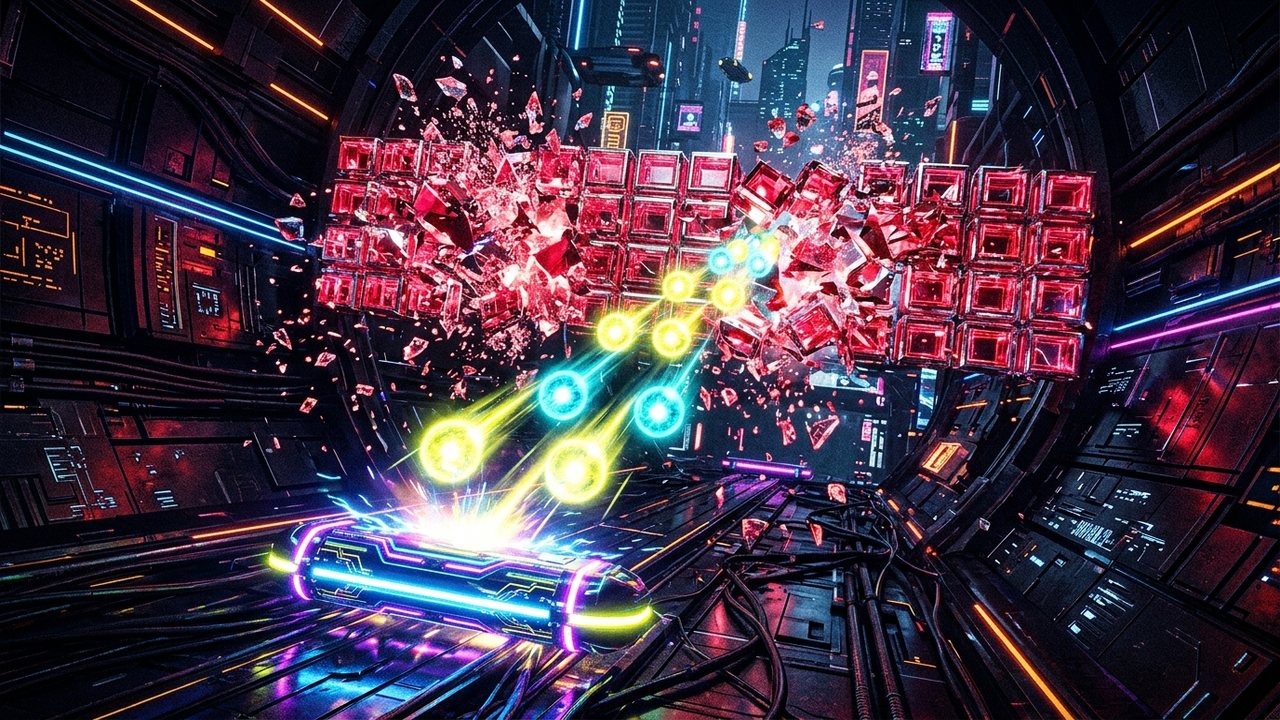
Always specify immediate visual feedback ('game juice'): neon glow shadows, hit-stop sparks, combo counters, and a crisp Game Over overlay with a single-click Restart button.
Design for Desktop + iPad + Mobile From Minute One
Over half of casual web arcade players open shared game links on a phone or tablet. Include pointer/touch handlers (touch-action: none on the canvas) alongside WASD/Arrow keys — swipe gestures for grid games, pointer drag for paddles, and hold-to-steer for top-down survival games.
Once your prototype plays smoothly, upload it to SYNTHPLAY to get a permanent playable URL, automatic 6-language discovery, and real player feedback.